

Lukas Schönbächler · June 2026 · 8 min read
Why this matters
- Microsoft is disabling NTLM by default across Windows. The replacements, IAKerb and LocalKDC, are Windows-only.
- On Android and iOS, NTLM was often the actual path to on-prem SharePoint, file shares, and internal web apps.
- Microsoft’s plan ships no mobile equivalent, so those flows break when NTLM is blocked.
- First hard deadline: NTLMv1 enforcement, October 2026.
- Action: get a Kerberos strategy (PKINIT + MDM-issued certificates) in place for Android and iOS now.
Here is why Microsoft is doing this, what the two replacements actually do, why mobile is left out, and how to close the gap.
Why Microsoft is finally killing NTLM
In March 2025, Microsoft patched CVE-2025-24054, an NTLM hash disclosure flaw. Extracting credentials needed nothing more than a user right-clicking a malicious .library-ms file, and Check Point documented active exploitation against government targets in Poland and Romania within days. By April 2026, Cymulate had a bypass (CVE-2025-50154); by June 2026, a second one (CVE-2025-59214). Patched twice, still exploitable, zero user interaction.
That chain is why Microsoft stopped patching NTLM holes one at a time. In January 2026 it published its plan to disable NTLM by default across Windows, with the protocol eventually removed from the OS entirely.
How the removal rolls out
The transition runs in three phases.
- Phase 1, now: Enhanced NTLM auditing on Windows Server 2025 and Windows 11 24H2. New event IDs (4020 on clients, 4022 on servers, 4032 on domain controllers) finally show why NTLM was chosen and which version was negotiated. This is the prerequisite for everything else: you cannot migrate what you cannot see.
- Phase 2, second half of 2026: IAKerb and LocalKDC reach general availability. Separately, in October 2026 the
BlockNTLMv1SSOdefault flips from Audit to Enforce (KB5066470), blocking NTLMv1 single sign-on. NTLMv1, the older DES-based variant, is trivially crackable and dies first; NTLMv2 follows on the broader Phase 3 path. October 2026 is the nearest hard deadline. - Phase 3, next Windows Server LTSC (projected 2027): Network NTLM disabled by default. It stays re-enableable via Group Policy, but the automatic fallback is gone.
Figure 1: Microsoft’s three-phase NTLM deprecation timeline. October 2026 is the first date that requires action in most environments.
What IAKerb and LocalKDC actually do
Kerberos has always had one structural requirement: the client needs a line of sight to a Key Distribution Center (KDC) on port 88. When it couldn’t reach one, whether a remote machine, a segmented network, or a workgroup box, Windows quietly fell back to NTLM. IAKerb and LocalKDC remove the two biggest reasons that fallback existed.
IAKerb lets the Kerberos exchange itself be proxied. When a Windows 11 24H2 client can’t reach a domain controller directly, it tunnels its AS-REQ through an IAKerb-capable server that can, so the client completes a normal Kerberos authentication instead of dropping to NTLM. It is implemented inside the Negotiate and Kerberos security support provider in LSASS, and on-premises it needs a Windows Server 2025 running the KDC Proxy role on the path (Entra-joined devices can use the Azure KDC proxy). To the application, it is Kerberos end to end.
LocalKDC puts a small Kerberos authority on the Windows device itself, so even local, non-domain accounts authenticate with Kerberos against the local SAM. That kills the long-standing assumption that local authentication has to mean NTLM.
Both are real improvements. Both are also entirely Windows.
Why none of this reaches mobile
IAKerb and LocalKDC are features of the Windows authentication stack. They change how Windows negotiates authentication inside LSASS and the SSP model. Android and iOS have neither. They never participated in that negotiation in the first place.
On mobile, a browser or app authenticates at the application layer, directly against the endpoint, using whatever scheme the server offers. For on-premises, Active Directory-backed resources, that scheme was very often NTLM, precisely because mobile platforms have no built-in Kerberos machinery the way a domain-joined Windows PC does. In practice, NTLM was the integration path that made mobile work against on-prem at all.
So when NTLM is blocked server-side, the two platforms diverge completely. A Windows 11 client transparently shifts to IAKerb or LocalKDC. An Android or iOS device has nothing to shift to. It simply fails: internal web apps return 401, SMB shares stop mounting, on-premises SharePoint drops into an authentication loop that never completes.
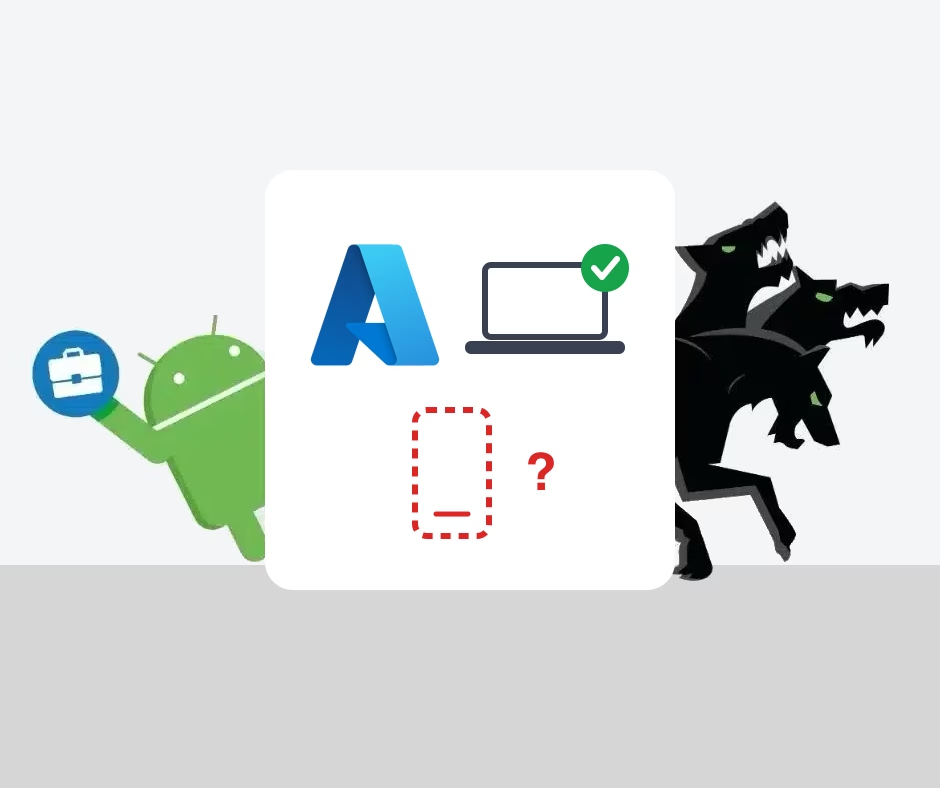
Figure 2: IAKerb covers Windows clients that can’t reach a DC directly. Android and iOS devices have no equivalent in the OS. Without a dedicated Kerberos client on the device, they either fail when NTLM is blocked or need an application-layer solution.
The takeaway from the Windows side is that Kerberos is the destination. For mobile, nothing in Microsoft’s plan gets you there. You have to provide that Kerberos capability yourself, and you should have that strategy in place before the deadlines land.
Getting Kerberos onto Android and iOS
On Windows, LSASS acquires tickets transparently. On mobile there is no OS-level Kerberos client, so the capability has to come from an application that implements the Kerberos client and PKINIT directly on the device.
PKINIT is certificate-based Kerberos pre-authentication. A user certificate, deployed through your MDM’s SCEP or PKCS profile, is used to obtain a Kerberos TGT from the domain controller; the on-device client then issues service tickets to browsers, managed WebViews, and line-of-business apps. NTLM appears nowhere in that chain. On managed Android and iOS, Hypergate Authenticator is the implementation of exactly this flow, and the same approach underpins our guides to a Kerberos proxy for Android Enterprise and SSO on Android.
The consequence is the important part: a device authenticating this way is already on Kerberos. Blocking NTLM server-side has no effect on it, because there is no fallback left to remove.
Certificate-based auth is also the security upgrade
Moving mobile onto PKINIT is not just about keeping things working. Certificate-based authentication is a security step forward. The certificate is bound to the user and device, and there is no shared secret or hash to relay or replay, which is precisely the class of attack the NTLM CVEs at the top of this post exploit.
This is not new ground. Banks and other high-assurance environments have run certificate-based authentication for years. What is changing is that NTLM’s removal, combined with Microsoft’s Strong Certificate Mapping Enforcement, is making it the baseline well beyond those sectors.
One prerequisite to get right: the PKINIT certificate must carry the AD user SID in the Subject Alternative Name (tag:microsoft.com,2022-09-14:sid:<SID>). Strong Certificate Mapping Enforcement, in strict mode since September 2025, rejects certificates that don’t. If you’re setting up mobile Kerberos now, that mapping work lands on the same MDM configuration. We covered the exact SAN setup for each MDM in a separate post.
Find your mobile NTLM dependencies before you block
You can see mobile NTLM traffic from the server side. Event 8003 (or 4022 on Windows Server 2025) on your application servers logs incoming NTLM authentications, including the account and source client:
Get-WinEvent -LogName "Microsoft-Windows-NTLM/Operational" |
    Where-Object { $_.Id -eq 8003 } |
    Select-Object TimeCreated,
        @{N='User';E={$_.Properties[0].Value}},
        @{N='Client';E={$_.Properties[2].Value}},
        @{N='Process';E={$_.Properties[3].Value}} |
    Sort-Object TimeCreated -Descending
Cross-reference the Client field against your MDM inventory. (VPN caveat: behind a VPN the client may show as the concentrator, so correlate by user account instead.) Once a device is migrated, you’ll see event 4768 (Kerberos TGT issued) where you used to see 4776 (NTLM validation). That’s how you confirm it’s off NTLM.
Where this leaves you
Microsoft’s plan covers Windows well. The mobile side is on you, and the work is straightforward once the traffic is visible: audit with event 8003, deploy a SID-embedded certificate and PKINIT through your MDM, confirm with event 4768, then restrict NTLM. None of it needs new infrastructure; the real constraint is starting early enough to validate everything before the October 2026 deadline.
Planning your mobile Kerberos migration?
See how Hypergate Authenticator brings PKINIT-based Kerberos SSO to managed Android and iOS, or talk through your NTLM migration with our team.