

Lukas Schönbächler · July 2026 · 8 min read
Why this matters
- “Samsung MDM” covers two different things: the Knox platform built into the hardware, and Knox Manage, Samsung’s own EMM console.
- Knox is excellent at securing and configuring the device: hardware-backed key storage, kiosk mode, firmware control, zero-touch enrollment.
- None of that manages the login. Android Enterprise ships no built-in Kerberos SSO, so users on fully managed Samsung fleets still type Active Directory passwords into their phones, app by app.
- Hypergate Authenticator closes exactly that gap: native Kerberos SSO on Android, deployed and configured through Knox Manage (or any other EMM) like any managed app.
- The result is a managed Samsung device where corporate apps open without a single password prompt, against your own domain controllers, with no new cloud dependency.
Samsung devices dominate corporate Android fleets, and no other Android OEM ships a comparable enterprise stack out of the box. But “Samsung MDM” hides a distinction worth understanding, and even teams that get the device management part exactly right usually leave one thing unmanaged: the way users log in. Here is what the Knox stack consists of, what Knox Manage does well, and why Hypergate Authenticator is its natural companion.
What people mean by Samsung MDM
When someone searches for Samsung MDM, they usually mean one of two things:
- The Knox platform (Knox Platform for Enterprise): security and management capabilities built into Samsung hardware and firmware. These sit on top of Android Enterprise and are exposed to any compatible EMM, including Microsoft Intune, Omnissa Workspace ONE or Ivanti, through the Knox Service Plugin.
- Knox Manage: Samsung’s own EMM console. An Android Enterprise Recommended MDM in its own right, with the deepest integration into Samsung-specific features and licensing bundled through Knox Suite.
The distinction decides your architecture. If your fleet is mostly Samsung and you want event-based policies, kiosk wizards and firmware control from one console, Knox Manage is the shortest path. If Samsung devices are one slice of a larger estate, you keep your existing EMM and pull in Knox features through the Knox Service Plugin. Either way, the Knox stack looks the same underneath.
The Knox stack, layer by layer
| Component | What it does |
|---|---|
| Knox Platform for Enterprise | Hardware-backed security on the device: Knox Vault for isolated key and credential storage, real-time kernel protection, containerization primitives. |
| Knox Manage | Samsung’s cloud EMM console: policies, app deployment, managed configurations, certificates, remote support, event-based rules (time, location, network, SIM change). |
| Knox Mobile Enrollment | Zero-touch bulk enrollment: devices bought through a Samsung reseller enroll into your EMM on first boot, out of the box. |
| Knox E-FOTA | Firmware and OS update control: pin, test and schedule updates instead of letting devices update themselves mid-shift. |
| Knox Service Plugin | OEMConfig app that exposes Knox platform features to third-party EMMs like Intune or Workspace ONE. |
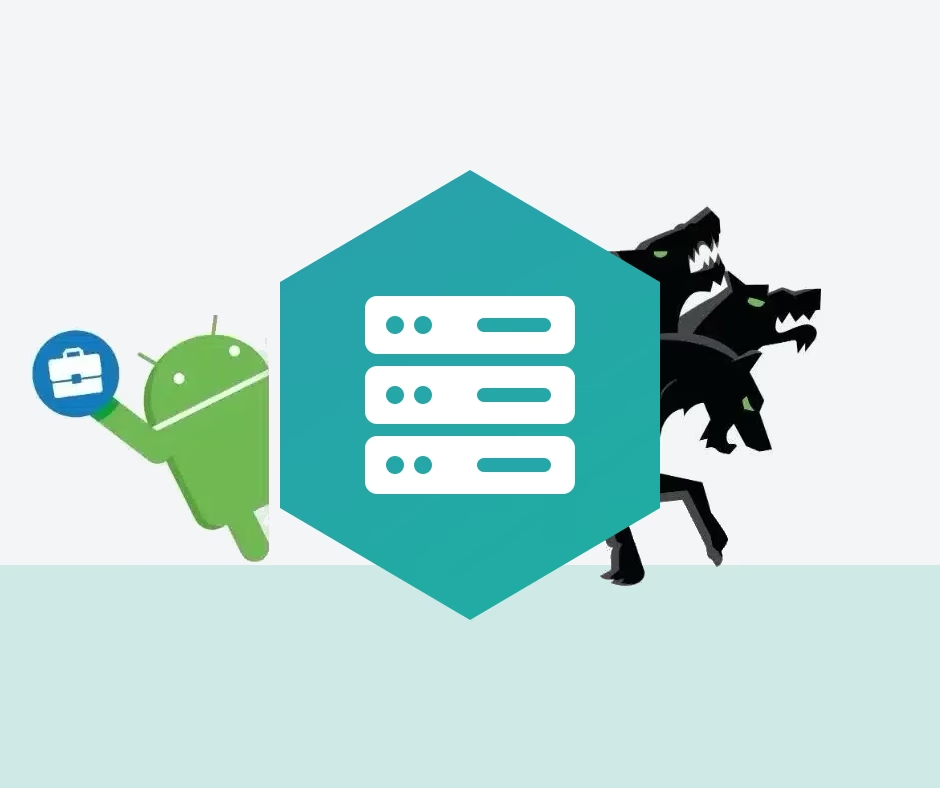
Figure 1: Every layer of the Samsung MDM stack is covered except the top one. Device and configuration are managed; the login to your AD-backed apps is not.
What Knox Manage does well
As a Samsung-first EMM, Knox Manage is hard to beat. Devices bought through a reseller enroll themselves on first boot via Knox Mobile Enrollment. The kiosk wizard turns a Galaxy Tab into a locked-down single-app terminal in minutes, which is why Knox Manage shows up so often in retail, logistics and healthcare. Event-based policies react to time, location or SIM changes without an admin touching anything. E-FOTA keeps firmware versions pinned until you have tested them. And because it is Android Enterprise Recommended, work profiles, managed Google Play and managed configurations all behave exactly as Google intends.
The device itself, in short, is thoroughly managed from enrollment to lockdown. The login is another story.
The gap: managed device, unmanaged logins
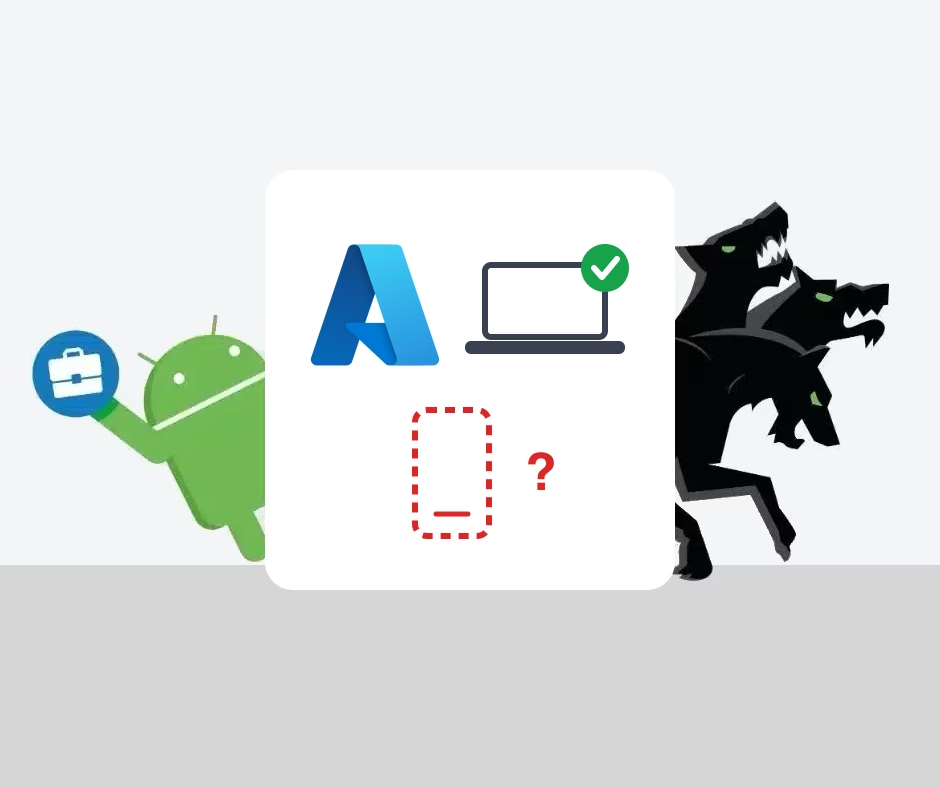
Device management and identity are different problems, and MDM only solves the first one. Watch what happens after enrollment, the first time a user opens your intranet, your on-premises SharePoint, or a line-of-business app that authenticates against Active Directory: a password prompt. Then another one in the next app. On a phone keyboard, with a complex AD password, several times a day.
This is not a Knox shortcoming, it is an Android Enterprise one. On Windows, a domain-joined laptop gets Kerberos tickets at logon and every internal app opens silently. Android has no equivalent built in, on Samsung or any other OEM. The consequences are familiar to anyone running a corporate Android fleet:
- Password fatigue and helpdesk load. Mobile password prompts drive lockouts, and every lockout is a ticket.
- Passwords typed on phones are phishable passwords. The prompt users see in a WebView looks exactly like the one an attacker fakes.
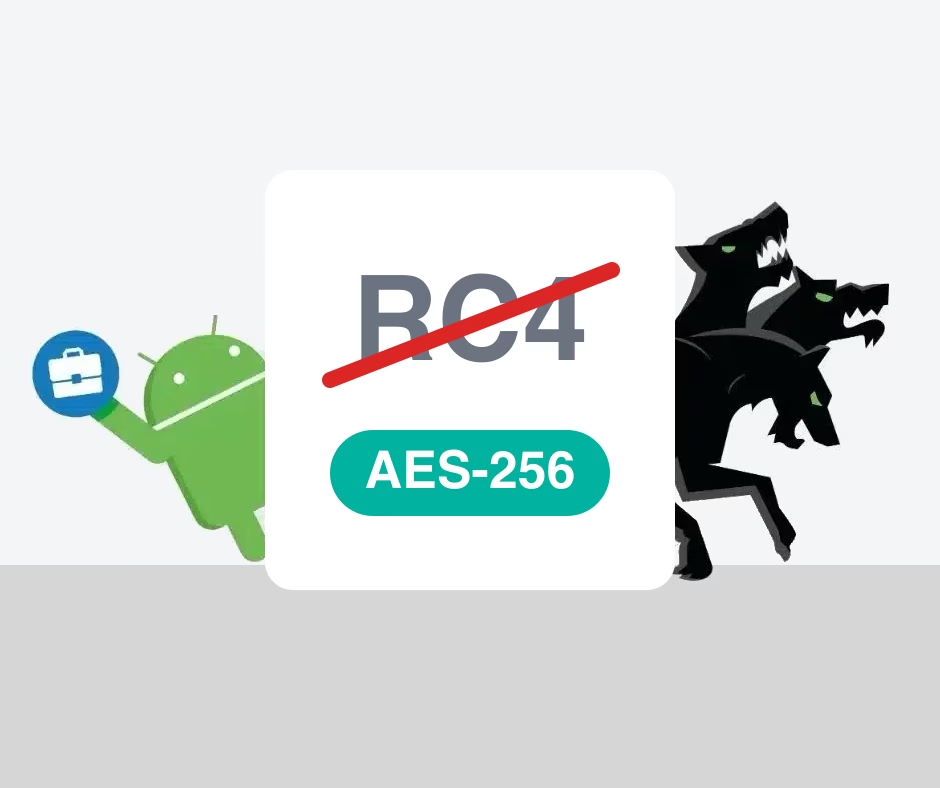
- Legacy workarounds age badly. Some apps cache credentials, some use NTLM under the hood, and Microsoft is actively dismantling NTLM along with RC4 in Kerberos. Time is running out for both.
Why Hypergate Authenticator completes Samsung MDM
Hypergate Authenticator is the missing top layer of Figure 1: a native Kerberos client for Android that gives managed devices the same silent SSO a domain-joined Windows laptop has had for two decades. The fit with the Knox stack is direct:
- It deploys like any managed app. Knox Manage pushes it from managed Google Play and delivers its settings through a managed configuration. No sideloading, no manual setup on the device, and Knox Mobile Enrollment means the whole chain runs zero-touch from the box.
- It talks to your domain controllers, not to a new cloud. Authentication stays between the device and your Active Directory. No additional identity service, no new server to deploy, and no AD service account of its own to protect.
- It is built for modern Kerberos. Hypergate Authenticator negotiates AES by default and can obtain the ticket-granting ticket with certificates (PKINIT) instead of passwords. Certificates are something your EMM already knows how to distribute, so passwordless AD login on mobile becomes a configuration exercise.
- It pairs with Knox hardware security. Samsung devices store credentials and keys in hardware-isolated storage, which is exactly where you want the material behind your SSO to live.
- It is EMM-agnostic. The same app and configuration work on any Android Enterprise device from Android 7.0 onward and under any major EMM. If part of your fleet runs under Intune with the Knox Service Plugin, nothing changes.
Deployment: from box to SSO in three steps
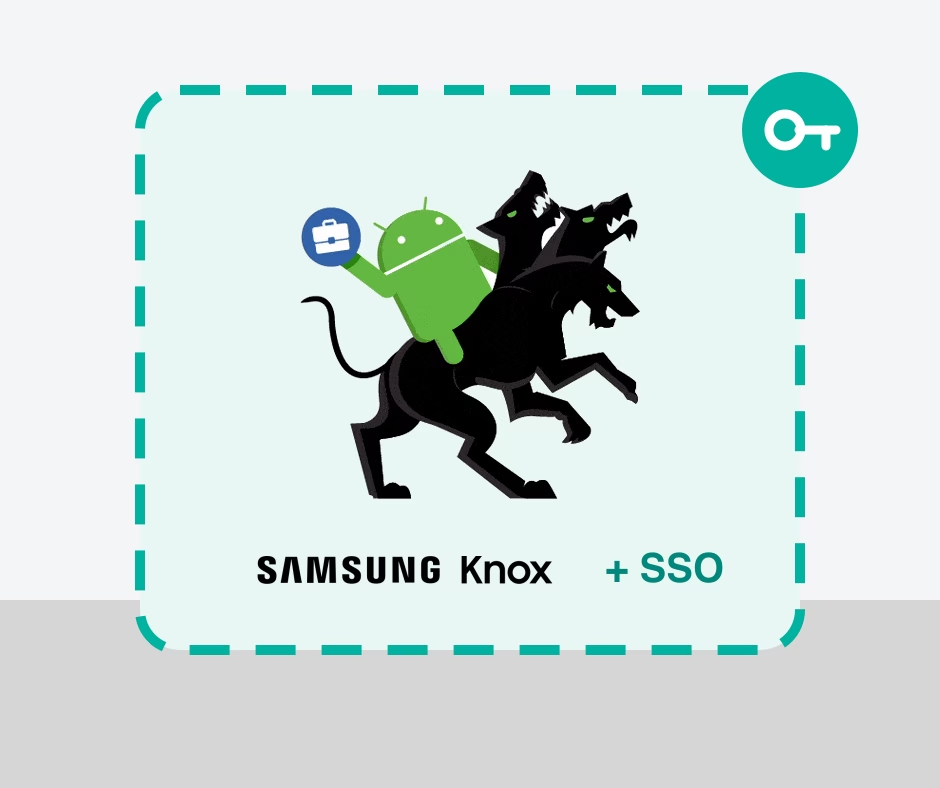
Figure 2: The whole chain is zero-touch. IT configures once in the console; the user unboxes a phone that already signs into everything.
Step two is the only one with real decisions in it: whether users authenticate with their AD password once at setup, or fully passwordless with a certificate via PKINIT. Knox Manage distributes certificates either way, and the managed configuration carries everything else (realm, domain controllers, which apps and browsers get SSO). There is nothing to install server-side and nothing for the end user to set up.
Where this leaves you
Samsung MDM, whether that means Knox Manage or the Knox platform under your existing EMM, gives you the best-managed Android hardware on the market. What it deliberately does not give you is identity: the login experience on a perfectly managed Samsung device is still passwords on a phone keyboard, unless you add the layer that handles it. That layer is small, deploys through the console you already run, and removes the single most user-visible friction on a corporate phone. If your fleet is Samsung and your apps sit behind Active Directory, the combination of Knox Manage and Hypergate Authenticator is about as close to plug-and-play as enterprise mobility gets.
Running a Samsung fleet with Knox?
Hypergate Authenticator adds silent Kerberos SSO to your managed Android devices, deployed through Knox Manage or any other EMM in an afternoon. See it against your own Active Directory.